Storyboard artists
Import one frame with a readable silhouette, then describe the camera move and the emotional beat you want to test.
vidu image to video →INPUT / OUTPUT VARIANT
A reference to video AI generator workflow gives Vidu AI more visual direction than a text prompt alone. Start with a clean image, add a focused instruction, and turn a still reference into a short, coherent clip.
Try Vidu AI ↗Reference-to-video is useful when the starting image already contains the look, subject, or composition you want to preserve. Vidu AI can help creative teams move from a moodboard to a motion concept without rebuilding every frame manually. If your project begins with a still image, compare it with the dedicated vidu image to video workflow; if words are your starting point, the vidu ai text to video route is usually simpler.
| Attribute | Reference-to-video | Text-to-video |
|---|---|---|
| Starting input | Image or visual reference | Written prompt |
| Subject continuity | Strong visual anchor | Prompt-dependent |
| Style guidance | Inherited from reference | Described in words |
| Composition control | Preserves key layout | Less predictable |
| Best for | Concept art and product shots | Ideation from a blank page |
| Prompt requirement | Motion direction helps | Detailed prompt required |
| Typical revision | Adjust motion or framing | Rewrite the whole prompt |
SEE THE TRANSFORMATION
Think of the workflow as a controlled handoff: the reference supplies visual identity, while the prompt supplies movement, timing, and camera intent. Vidu AI works best when those jobs are kept separate.
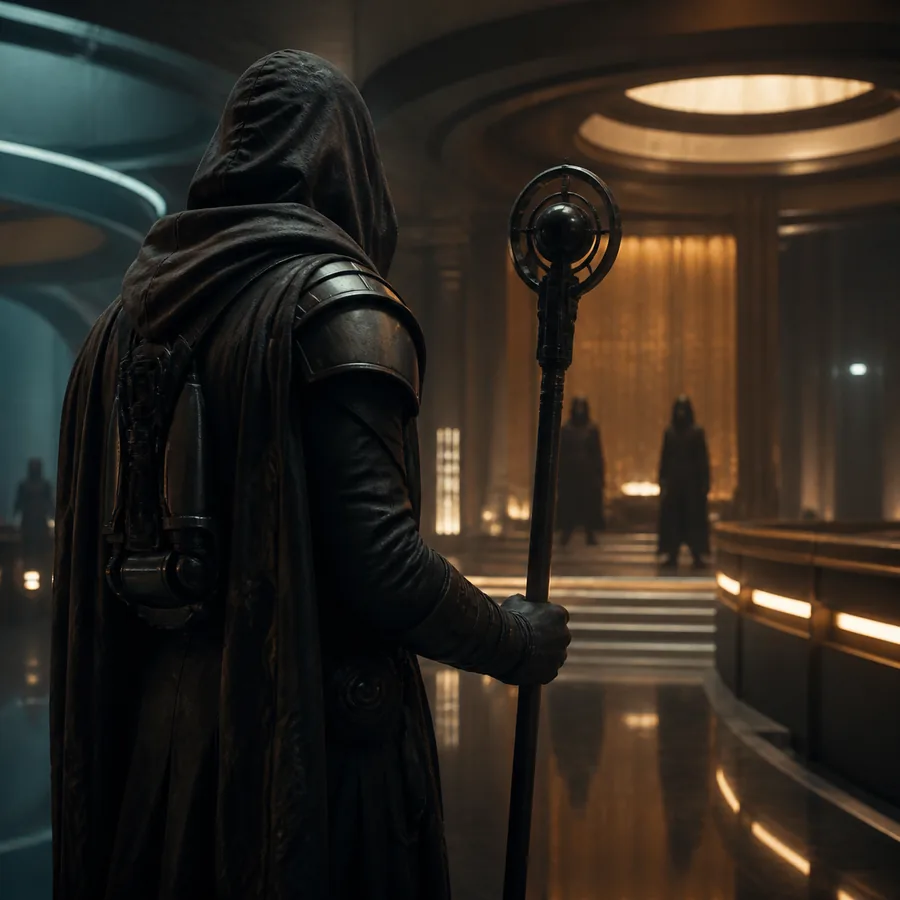
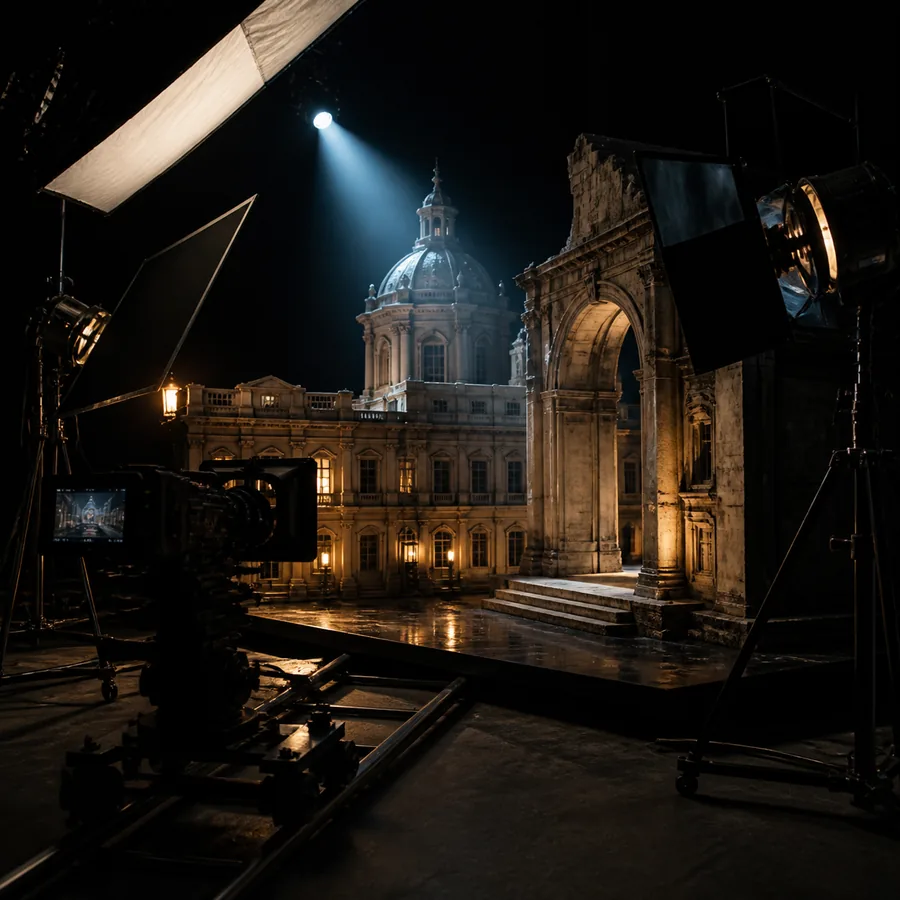
The strongest results preserve one clear subject and one dominant action instead of asking the generator to change everything at once.
A PRACTICAL STARTING POINT
Import one frame with a readable silhouette, then describe the camera move and the emotional beat you want to test.
vidu image to video →Use a centered product image, keep the background simple, and request a slow reveal, turntable, or detail push-in.
vidu ai text to video →Choose a reference with visible face and clothing details; ask for one gesture so identity remains stable during motion.
image-led video workflow →Crop for the final channel first, then import a high-contrast image and request a short loop with a single visual payoff.
prompt-led video workflow →Show the source image beside the generated clip to explain how framing, motion verbs, and reference quality affect output.
reference-based examples →QUICK ESTIMATE
A reference to video AI generator workflow usually fails before generation begins: the image is too small, the subject is cropped, or several competing actions are visible. Use this simple estimate to plan a batch and leave time for a second pass. Vidu AI is easier to evaluate when every test changes only one variable.
For more predictable imports, use a sharp subject, avoid tiny text, and leave breathing room around moving edges. If a source needs substantial cleanup, begin with the image-to-video workflow before adding more complex references.
HOW THE FORMAT EVOLVED
Reference-led generation moved beyond simple animation by using a source image to guide subject identity and scene structure.
Creators began separating visual description from camera and action instructions, reducing ambiguous results.
Teams now test several concise clips rather than expecting one long generation to solve the entire edit.
Vertical, square, and widescreen crops are chosen before generation so the reference supports the final publishing format.
AT A GLANCE
It is a video generation workflow that uses an image or visual reference to guide the subject, style, and composition while a prompt describes the desired movement.
Use a sharp image with one obvious subject, strong separation from the background, and enough visible detail to identify the scene. Avoid collages and heavily compressed screenshots.
A clear, consistent reference can improve continuity, especially for short clips. Results are more reliable when the requested action is simple and the camera movement is moderate.
Briefly identify the subject if needed, but spend most of the prompt on what should change: motion, camera direction, lighting behavior, and the intended ending.