Prompt to scene
Describe a subject, setting, action, and mood to produce a short visual interpretation. This is useful for testing whether an idea has enough detail to work on screen.
Try prompt-led generationCAPABILITY GUIDE
The vidu ai video generator is a focused entry point for turning a prompt or visual reference into a short moving scene. It is best understood as a fast creative workspace rather than a complete editing suite: describe the idea, choose the visual direction, and review a small set of generated results.
| Capability | This video generator | General Vidu workspace |
|---|---|---|
| Primary job | Generate short scenes quickly | Explore a wider set of creation tools |
| Starting input | Text prompts and visual references | Multiple workflows and project surfaces |
| Best for | Concept tests, social clips, story beats | Comparing methods across a broader workflow |
| Output expectation | Short generated video variations | A more exploratory creation session |
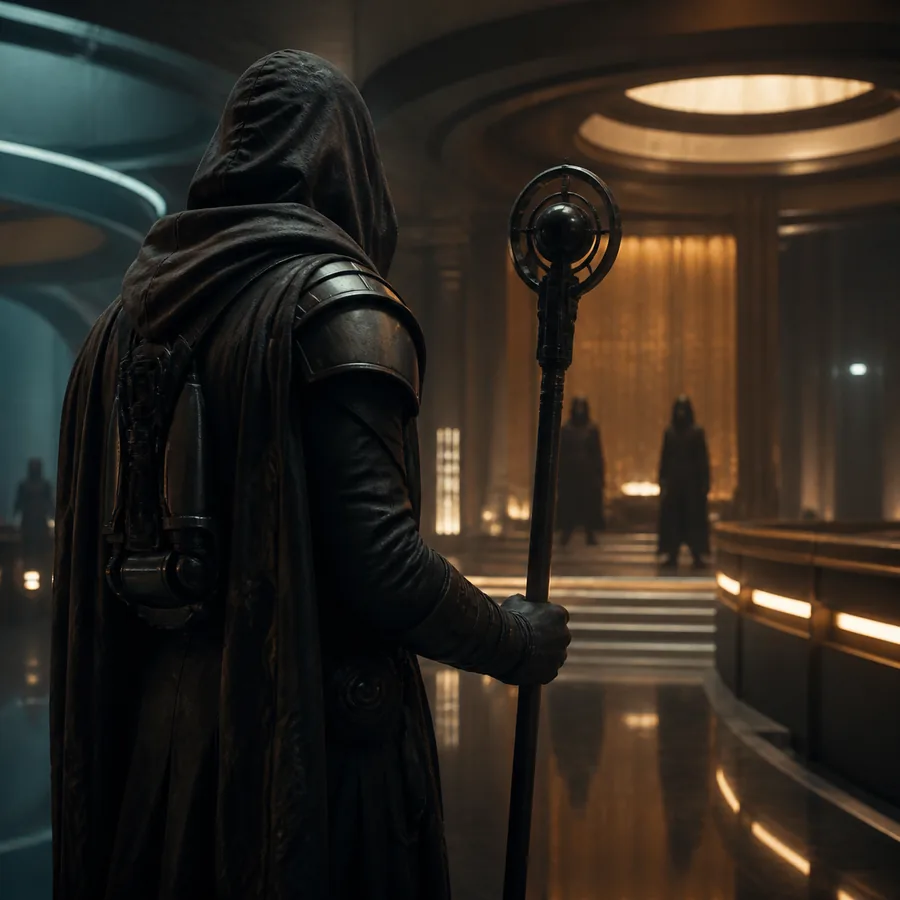
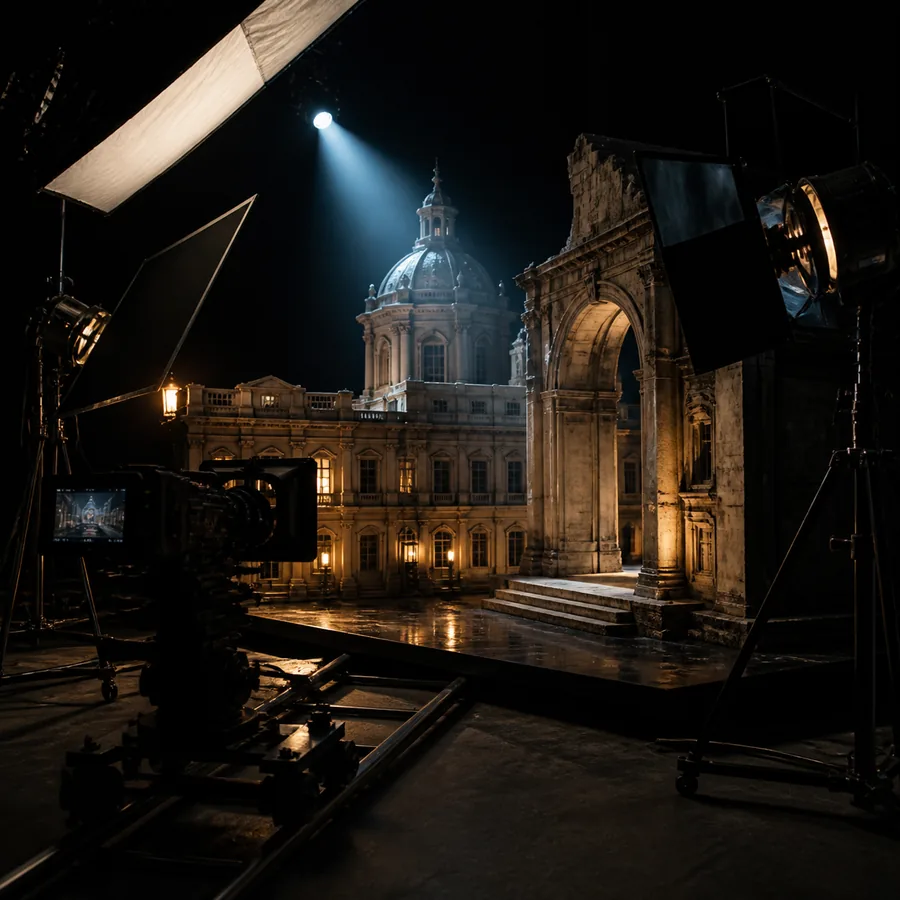
The useful distinction is not “simple versus advanced.” This route reduces the number of decisions between an idea and a watchable first draft.
A NARROWER TOOLSET
A focused video generator is valuable when you want a visible result before committing to a full production workflow. These three uses make the route especially practical for early-stage visual work.
Describe a subject, setting, action, and mood to produce a short visual interpretation. This is useful for testing whether an idea has enough detail to work on screen.
Try prompt-led generationUse a reference image as the visual anchor, then add movement through a concise instruction. The result can help turn a poster, product frame, or character sketch into a motion concept.
Explore image motionGenerate alternate interpretations of the same idea to compare pacing, atmosphere, framing, or subject behavior before refining a longer piece.
Test a visual ideaShort outputs can serve as hooks, mood clips, visualizers, or rough inserts for social publishing. They are strongest when the brief stays focused on one moment.
Create a short draftA SIMPLE FIRST PASS
The best first test is small and specific. Give the model one clear shot rather than a complete plot, then use the first result to identify what needs more direction.
Choose a single subject and action. For example: “a paper boat drifting through a rain-filled street at blue hour.” Add camera movement or atmosphere only when it matters.
State the style, lighting, pace, and important physical details. If you have a reference image, explain what should remain consistent instead of describing every visible pixel.
Look for motion quality, subject continuity, and whether the action matches the prompt. Change one variable at a time so each new generation teaches you something.
Keep the first prompt short enough to diagnose. A strong subject-action-setting structure usually gives you more useful feedback than a paragraph of competing instructions.
SET EXPECTATIONS EARLY
The vidu ai video generator can accelerate ideation, but its short-form focus creates boundaries. Knowing them helps you judge the output fairly and choose a practical workaround.
Generated clips are not a finished timeline with precise cuts, sound mixing, captions, and brand control.
Workaround: treat the output as a shot or insert, then assemble the final piece in your usual editor.
Characters, props, and locations may drift when a concept is stretched across many separate generations.
Workaround: break the story into short shots and reuse clear visual references.
Hands, text, object interactions, and complex choreography may not follow the prompt exactly on the first pass.
Workaround: simplify the action, shorten the instruction, and generate several alternatives.
A polished-looking frame can still contain awkward motion, unwanted details, or a mismatch with the intended audience.
Workaround: inspect every clip before publishing or using it in a larger production.
YOUR OWN QUICK CHECK
Use the calculator to estimate how many short drafts you might review in one focused session, then check the answers below before you begin.
The route is presented as an online way to test Vidu-style generation, but availability, limits, and access conditions can change. Check the current experience before planning a large batch.
Start with the subject, action, setting, and mood. Add a camera instruction only if it supports the shot. Specific verbs and one clear moment are usually more useful than a long list of adjectives.
Text-to-video generation interprets rather than follows a production brief perfectly. Reduce competing instructions, use a reference image when continuity matters, and compare multiple short variations before refining.