It may lose continuity
Characters, clothing, props, and backgrounds can shift between frames, especially during complex movement or scene changes.
Workaround: use short shots, repeat key visual details, and assemble continuity in an editor.
A PRACTICAL DEFINITION
The simplest answer to what is vidu ai video is this: it is an AI video generation workflow that turns a written prompt, image, or reference concept into a short moving clip. Instead of filming every shot manually, you describe the scene and let the model interpret motion, framing, lighting, and visual style.
Vidu AI is designed for fast visual exploration. It can help turn an idea into a usable draft, test several directions, or create a polished social asset without a traditional camera setup. The result still benefits from human editing, but the first version can arrive in minutes rather than days.
Write a focused prompt with the subject, action, setting, camera movement, mood, and visual treatment you want to see.
Start from text, an image, or a visual reference depending on how much control you need over the opening frame and overall direction.
Generate a clip, check the motion and continuity, then adjust the wording or source image before exporting the strongest version.
Explore the format that matches your starting point: a blank prompt, a finished image, or a reference-driven concept.
REALISTIC EXPECTATIONS
Vidu AI can make experimentation much faster, but it is not a complete replacement for a director, editor, animator, or production team. Understanding the limits helps you plan better prompts and avoid judging a short generated clip by the standards of a finished film.
Characters, clothing, props, and backgrounds can shift between frames, especially during complex movement or scene changes.
Workaround: use short shots, repeat key visual details, and assemble continuity in an editor.
Signs, captions, logos, and interface labels may appear distorted or change shape during motion.
Workaround: add important typography after generation rather than relying on the model to render it.
A prompt can suggest a cinematic result without guaranteeing a particular lens, gesture, face, or camera path.
Workaround: generate several variations and describe one dominant action per shot.
Generated clips still need selection, trimming, sound, captions, color work, and sometimes compositing.
Workaround: treat Vidu AI as a rapid visual production stage inside a broader workflow.
FROM IDEA TO MOVING IMAGE
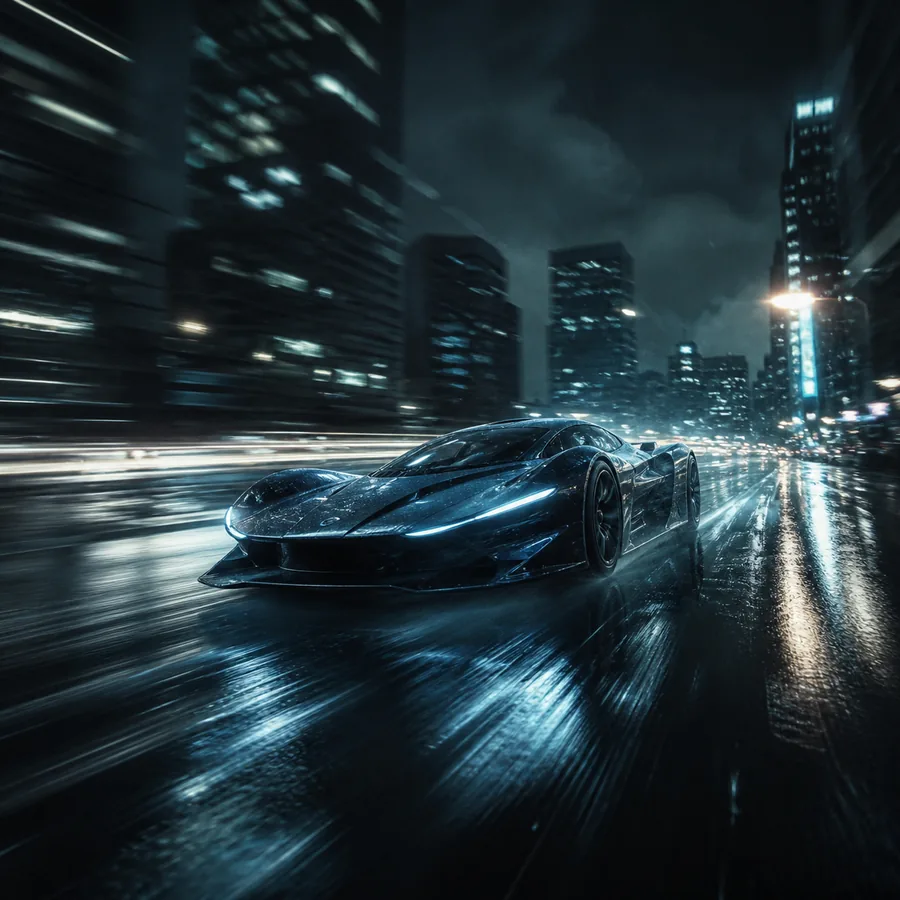
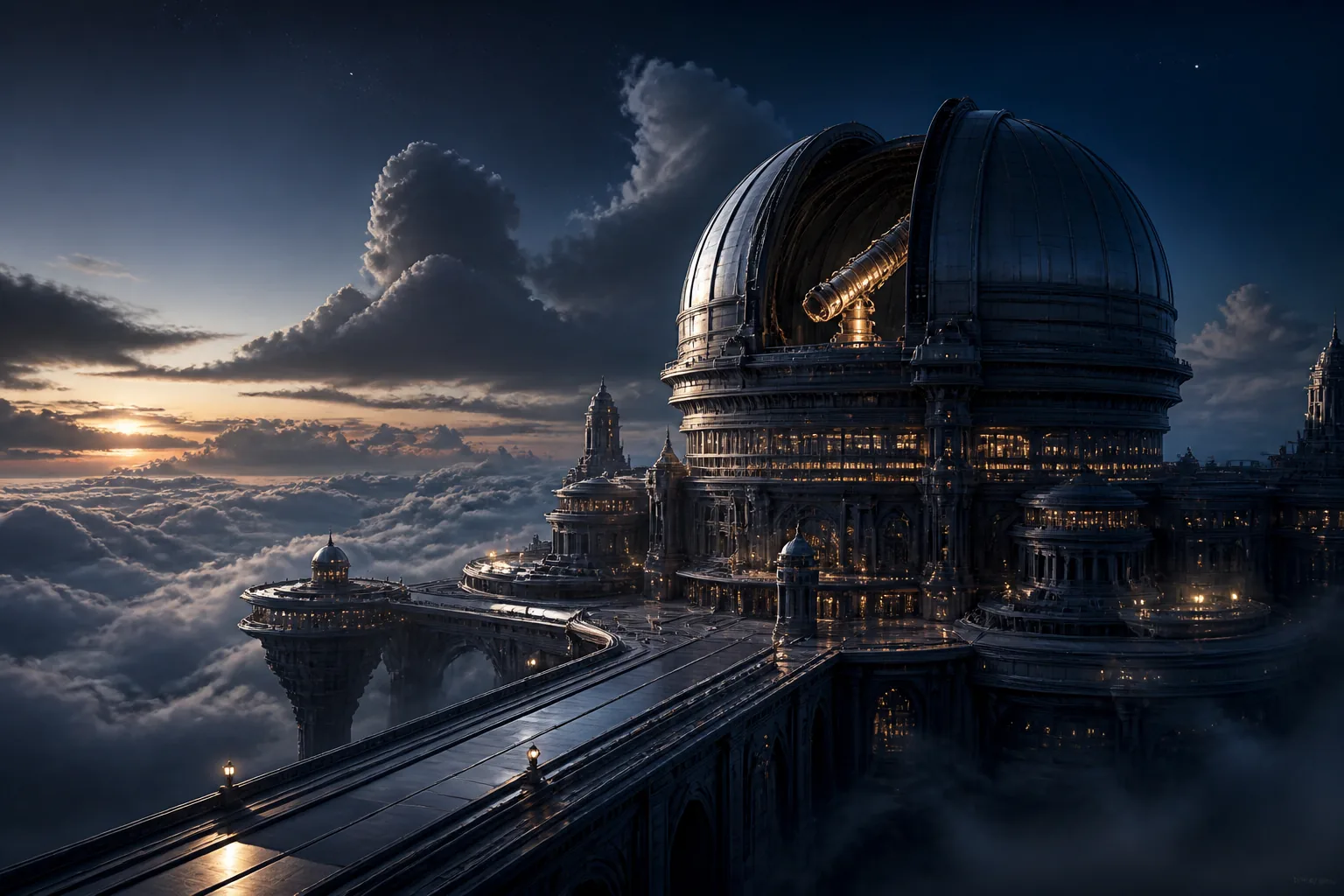
The practical difference is movement: a static concept becomes a short sequence with camera direction, subject motion, atmosphere, and timing that can be edited into a larger story.
WHO IT SERVES
The best fit is anyone who needs visual options quickly and can make creative decisions after generation. Vidu AI is especially useful when the goal is to explore an idea, communicate a mood, or produce short-form content without organizing a full shoot.
It is used to create short AI-generated video clips from text prompts, images, or visual references. Common projects include concept tests, social content, storyboards, product ideas, and creative experiments.
No. Vidu AI generates visual material, while an editor arranges clips, adds sound, controls pacing, and prepares the final export. Many creators use both tools together.
Text is usually the simplest starting point when you are exploring an idea. An image is better when composition, character appearance, or a specific visual style needs to stay consistent.
THE VALUE OF SPEED
If you need a broad overview, this definition answers what is vidu ai video without treating generated output as finished footage. The strongest results come from a focused prompt, realistic expectations, and a human-led edit afterward.
Create a first concept →