Concept artists
Turn a loose visual idea into a moving mood test before committing to a finished storyboard.
Use vidu image to video when a sketch is readyPROMPT-LED VIDEO WORKFLOW
Vidu AI text to video converts a written scene brief into a moving clip without requiring a starting image. This guide compares text-led generation with image-led alternatives, explains what can be lost during conversion, and gives you a practical review process for checking motion, composition, and prompt fidelity.
01 / INPUT STRUCTURE
| Attribute | Text-to-video | Image-to-video |
|---|---|---|
| Starting input | Written prompt | Still image |
| Visual control | Conceptual and descriptive | Anchored to visible pixels |
| Best for | New scenes and ideas | Animating a chosen frame |
| Character consistency | Depends on prompt detail | Usually easier to preserve |
| Composition control | Approximate | More predictable |
| Iteration style | Rewrite the description | Adjust the image or motion prompt |
| Creative starting point | No asset required | Requires a suitable image |
Choose the text route when the scene exists mainly in your imagination. Choose vidu image to video when the first frame, subject identity, or layout already matters.
02 / CONVERSION TRADE-OFFS
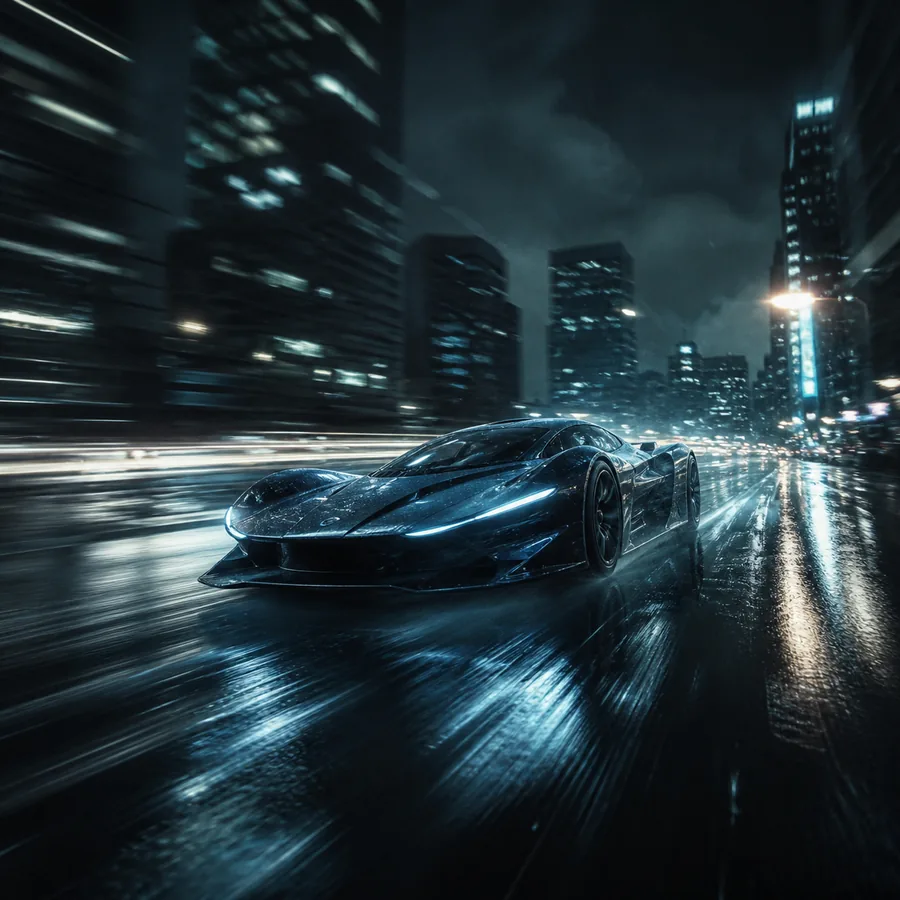
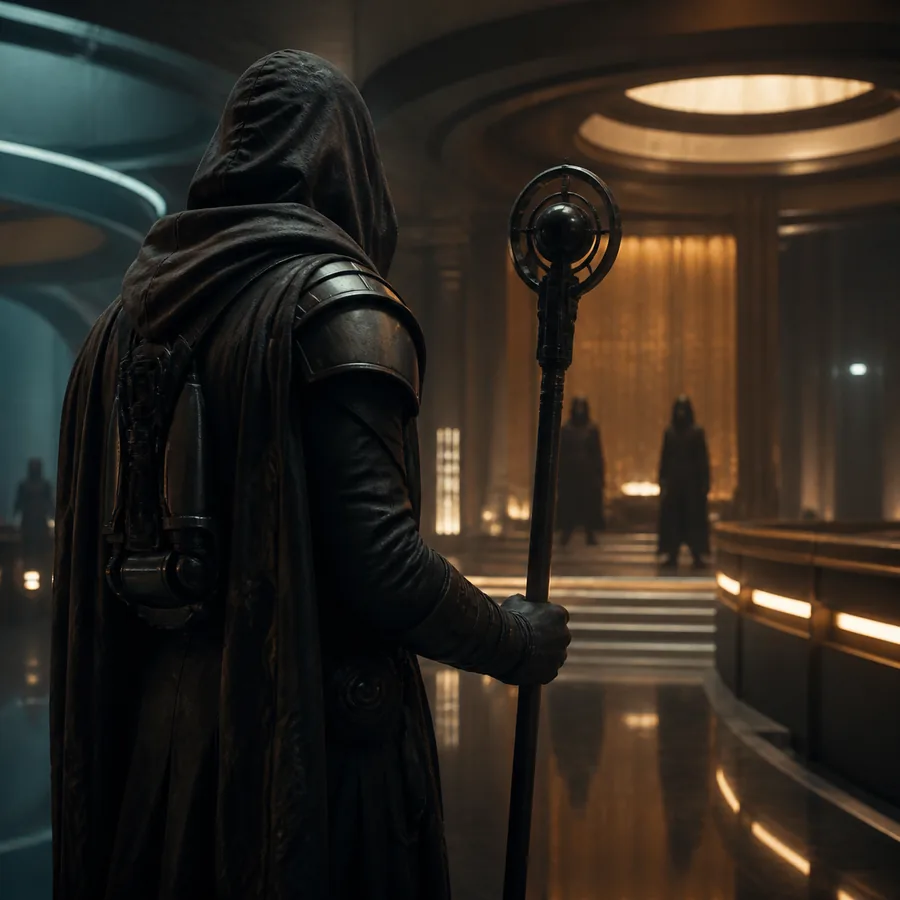
A prompt describes intent, but it does not lock every pixel. During generation, exact hand positions, small text, object counts, and background geometry may shift as the model creates plausible movement.
A strong prompt can preserve the subject, action, camera direction, lighting, and mood, yet the output may still reinterpret fine details. For tighter visual continuity, compare this workflow with a reference to video ai generator that starts from a controlled visual reference.
03 / THE WORKFLOW
Start with one focused shot rather than a full story. Describe the subject, setting, action, camera movement, lighting, and desired atmosphere in that order. A useful prompt might specify a cyclist crossing a wet city street at dawn, with a slow side-tracking camera and cool blue reflections.
Turn a loose visual idea into a moving mood test before committing to a finished storyboard.
Use vidu image to video when a sketch is readyGenerate short atmospheric clips from a caption, hook, or scene premise for rapid iteration.
Try a text-led video workflowIllustrate an abstract process or historical setting with a concise visual prompt and controlled action.
Explore reference to video ai generator optionsTest several visual directions for a campaign without first sourcing a complete production asset.
Create a quick concept clip04 / QUALITY CONTROL
Review the result as a short sequence, not just a single attractive frame. Confirm that the main subject remains identifiable, the action follows the verb in your prompt, and the camera movement supports the intended emphasis.
Text, logos, jewelry, fingers, and repeated objects are vulnerable to frame-to-frame changes.
Workaround: remove tiny details from the key action or add them in post.
A prompt with several actions can produce a clip that blends or skips beats.
Workaround: generate separate shots with one dominant action each.
Terms such as “orbit” or “dolly” guide motion but do not guarantee a precise path.
Workaround: use a reference frame when framing is critical.
Before exporting, watch once with the sound muted and once at normal speed. Check the opening frame, the central action, the final pose, and any sudden changes in identity or lighting.
05 / FORMAT EVOLUTION
Short-form models make it easier to turn natural-language descriptions into coherent moving scenes.
Image-based inputs give creators a stronger visual anchor for identity, composition, and styling.
Creators increasingly sketch with text, then refine promising frames through image-led generation.
The best workflow pairs fast prompt exploration with deliberate checks for continuity and usable motion.
06 / COMMON QUESTIONS
It is best for exploring original scenes, visual concepts, short social clips, and mood-driven ideas when you do not already have a starting image.
It can describe a character consistently, but exact identity may vary between frames or generations. Use a visual reference when character matching is a priority.
Lead with the subject and action, then add setting, camera movement, lighting, style, and pacing. Keep the shot focused on one clear moment.
Neither is universally better. Text-to-video offers a faster blank-canvas start, while image-to-video gives more control over the first frame and visual continuity.