Product teams
Animate a product still with a controlled push-in, turntable motion, or light sweep for landing pages and social clips.
Pair it with vidu ai text to videoIMAGE-TO-VIDEO WORKFLOW
Vidu image to video turns a single visual into a short animated sequence, helping creators preserve a subject while adding motion, camera direction, and atmosphere.
Try the workflow ↗| Attribute | Image-to-video | Text-to-video |
|---|---|---|
| Starting input | Reference image | Written prompt |
| Subject consistency | Anchored by the image | Must be inferred |
| Motion direction | Prompt-controlled | Prompt-controlled |
| Best for existing art | Strong fit | Requires recreation |
| Scene invention | More constrained | More open-ended |
| Useful iteration | Adjust motion and timing | Adjust scene and wording |
THE INPUT / OUTPUT SHIFT
Still images already contain choices that a prompt would otherwise need to describe: the subject’s appearance, composition, palette, wardrobe, and setting. An image-to-video workflow uses those choices as a visual anchor, then asks the model to create a believable change over time.
The result is usually more controlled than starting from words alone. A portrait can gain a subtle head turn, a product image can receive a slow camera move, and an illustrated scene can develop wind, light, or character motion without abandoning its original identity.
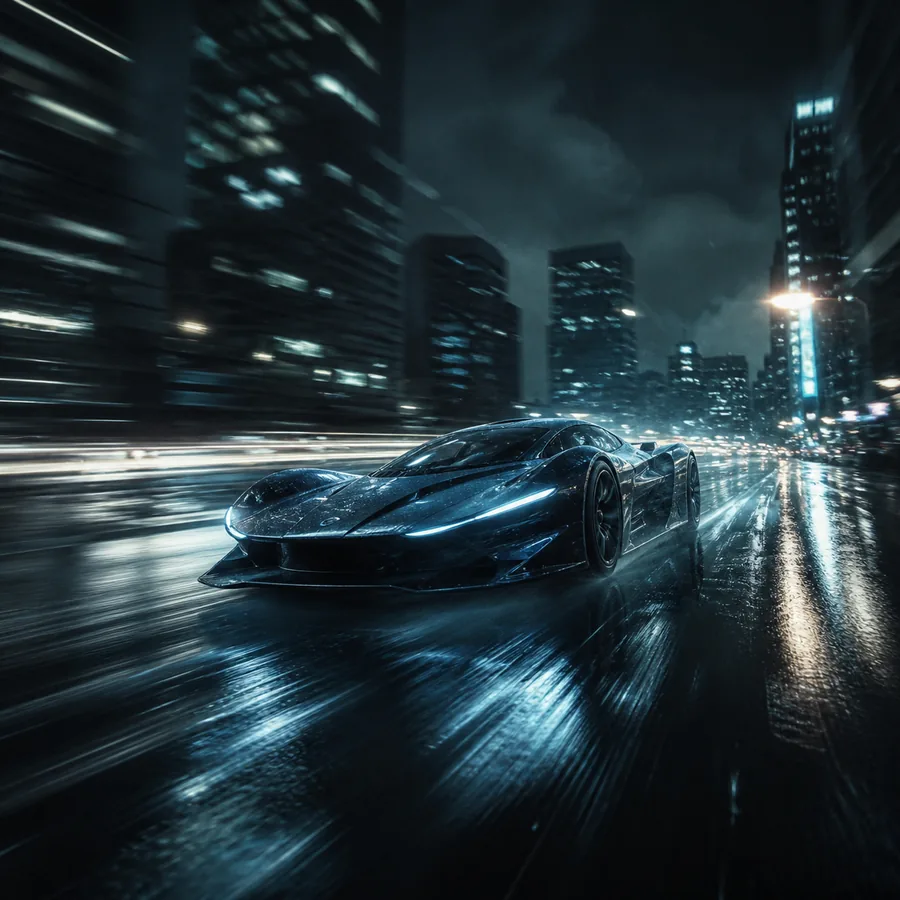
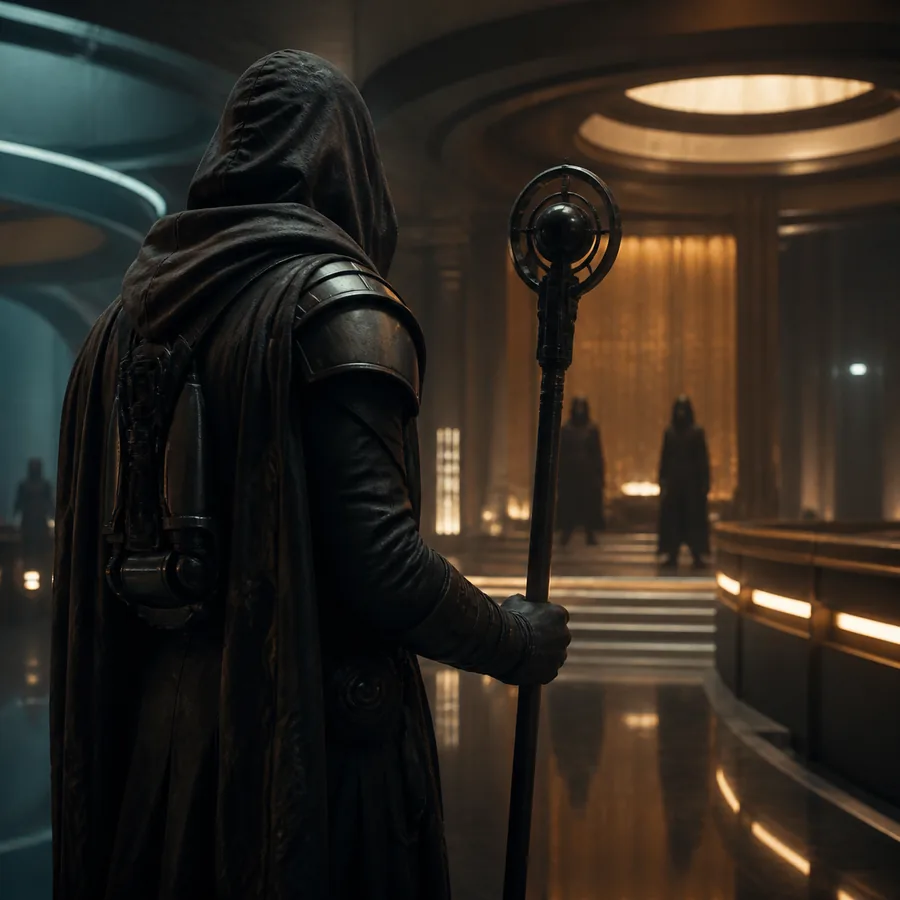
The most reliable transformation keeps the requested motion simple, directional, and compatible with what the original frame can support.
For a word-led concept, compare vidu ai text to video, which begins with a scene description rather than a finished visual. If you need several visual references, the reference to video ai generator route is a better fit.
THE TOOL BLOCK
Use a clean source frame, describe one main movement, and treat the prompt as direction for time rather than a replacement for the image. Short, concrete instructions tend to preserve the original subject more effectively than a long list of unrelated effects.
Animate a product still with a controlled push-in, turntable motion, or light sweep for landing pages and social clips.
Pair it with vidu ai text to videoAdd parallax, drifting particles, or a small character gesture while keeping the artwork’s central composition intact.
Explore the reference to video ai generatorTurn a favorite photograph into an atmospheric intro, reaction loop, or visual transition without rebuilding the scene.
Compare vidu ai text to videoBring diagrams, historical images, and visual explainers to life with restrained movement that supports the lesson.
Use a reference to video ai generatorSPEC TABLE
Image-to-video has developed around a simple promise: preserve the visual starting point while making motion easier to direct. These milestones explain why the format now works across creative and practical workflows.
Creators could begin with an existing image instead of describing every visual detail from scratch.
Instructions shifted toward camera moves, gestures, environmental motion, and pacing.
Image-based animation became useful for social posts, product previews, mood reels, and visual notes.
Teams began combining image references with text direction and multiple assets for more consistent scenes.
HONEST LIMITS
Faces, logos, hands, and fine details may drift as the sequence develops.
Workaround: use a clear frame and request subtle motion first.
A single image does not fully define what lies outside the frame or behind the subject.
Workaround: provide additional references when continuity matters.
Blur, compression, awkward cropping, and obstructed subjects often become more visible in motion.
Workaround: clean and crop the image before generation.
Generated clips may still need trimming, sound, captions, color work, or several retries.
Workaround: treat the output as a shot in a larger edit.
QUICK REFERENCE
It is a workflow that uses a still image as the visual foundation for a generated video clip, with text instructions describing movement, camera behavior, or atmosphere.
Yes. Photographs can be used for gentle camera movement, environmental effects, or small subject actions. Results are usually stronger when the requested motion is physically plausible.
Describe one primary action first, such as “slow camera push toward the subject” or “hair moves lightly in the wind.” Add secondary details only after the main movement is stable.
Choose a text-led workflow when you do not have a suitable starting image or when you want the model to invent the subject, composition, and setting from a written concept.